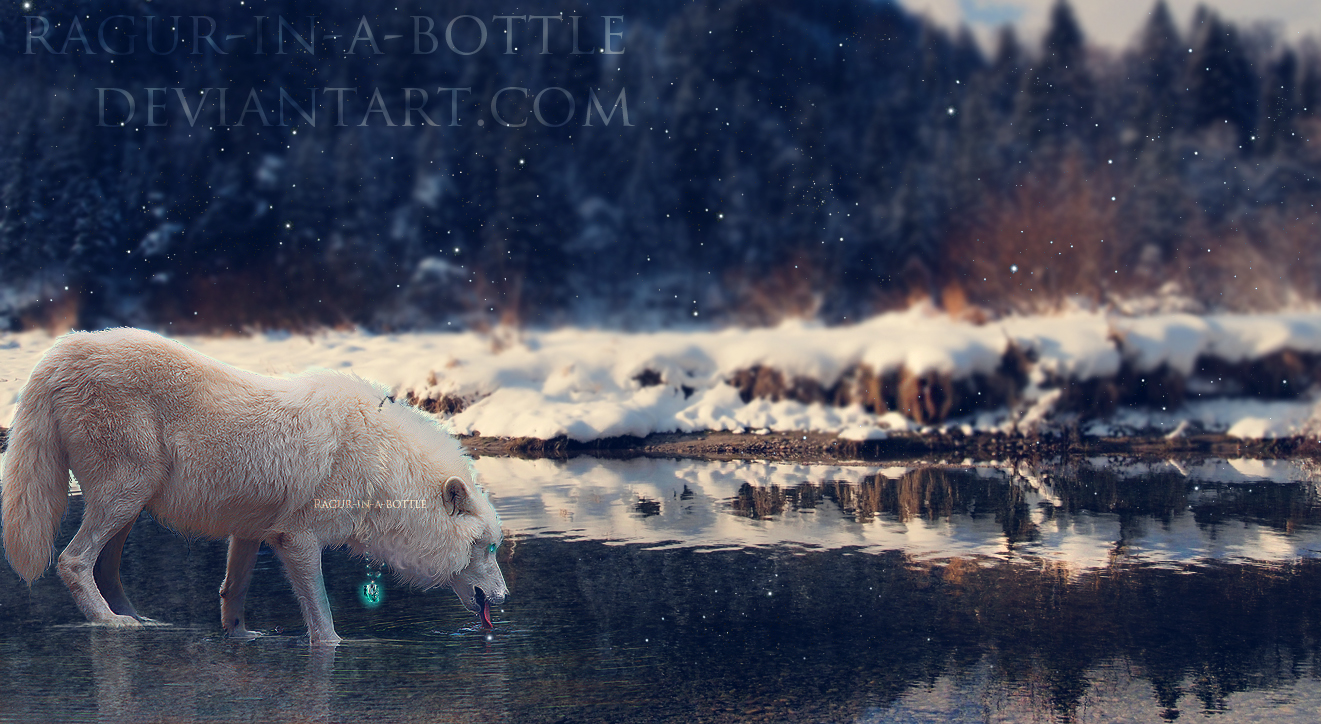
Just go to your Gradient Tool, and Select the Radial Gradient. You can have the settings to whatever you like, I prefer an overlay or soft light setting, sometimes normal but on a low opacity. Whatever looks best! Make sure Reverse is not selected, and dither and transparency IS selected. Then all you have to do is experiment! Make sure It's on a new layer so you don't mess up. Hope this helps! If you have anymore questions let me know!
[link] This site has stolen about 10 of my manipulations, as well as this image. I am not sure if they took more from you, but this is the one I saw. They removed all the copyrights off of them.
Thank you for informing me! I'm finding this very disgusting people don't have the common sense to not steal others work, and now I'm going to have to start slapping big ugly water marks over them. :c I'll see what I can do to help remove the pieces!
Yeah, exactly. I didn't want to have to ruin my work with a water mark, but obviously, since my small sig was removed so easily, I am going to have to. :/
sometimes normal but on a low opacity. Whatever looks best! Make sure Reverse is not selected, and dither and transparency IS selected. Then all you have to do is experiment! Make sure It's on a new layer so you don't mess up. Hope this helps! If you have anymore questions let me know!
They removed all the copyrights off of them.
I didn't want to have to ruin my work with a water mark, but obviously, since my small sig was removed so easily, I am going to have to. :/
Awesome XD